> ## Documentation Index
> Fetch the complete documentation index at: https://docs.brightdata.com/llms.txt
> Use this file to discover all available pages before exploring further.
# About the Bright Rewards Program
> Earn Bright Points each month based on Bright Data spending and redeem them as account credit when adding funds. Higher monthly spend unlocks larger rewards.
## Earn & redeem points
The **Bright Rewards** program allows you to earn **points** based on your monthly spending. The more you use, the more you save!\
Key benefits:
* Earn rewards automatically based on your usage
* Redeem your credits easily when adding funds
* Higher spending unlocks greater rewards
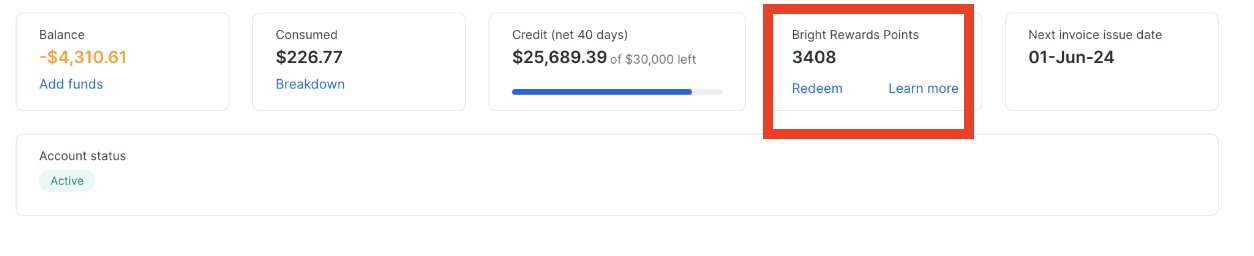
### **How to Redeem Your Bright Rewards**
You have two ways to redeem your Bright Rewards points:\
Go to the [billing section](https://brightdata.com/cp/billing/overview) in the control panel, then:
* Click the "Redeem" button in the Bright Rewards section.
Or
* Use the "Add Funds" button to redeem your points.
 For more information [please see here](https://brightdata.com/bright-rewards)