Documentation Index
Fetch the complete documentation index at: https://docs.brightdata.com/llms.txt
Use this file to discover all available pages before exploring further.
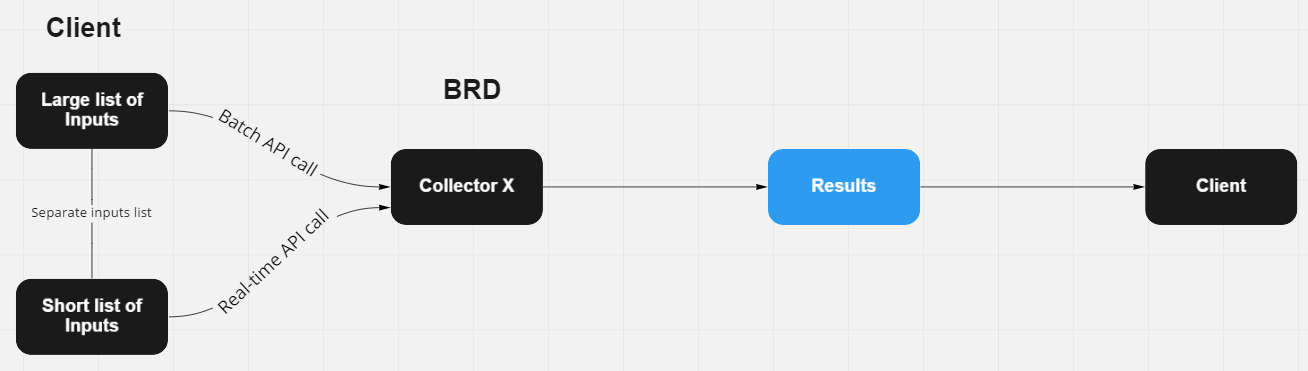
Instead of creating duplicate scrapers for each delivery type, you can choose a delivery type per job using API.
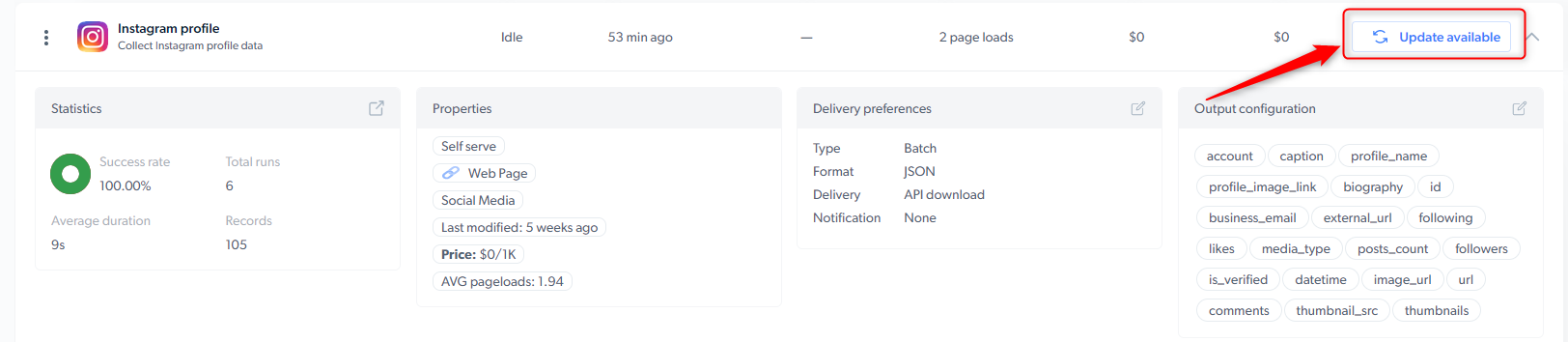
Update your scraper
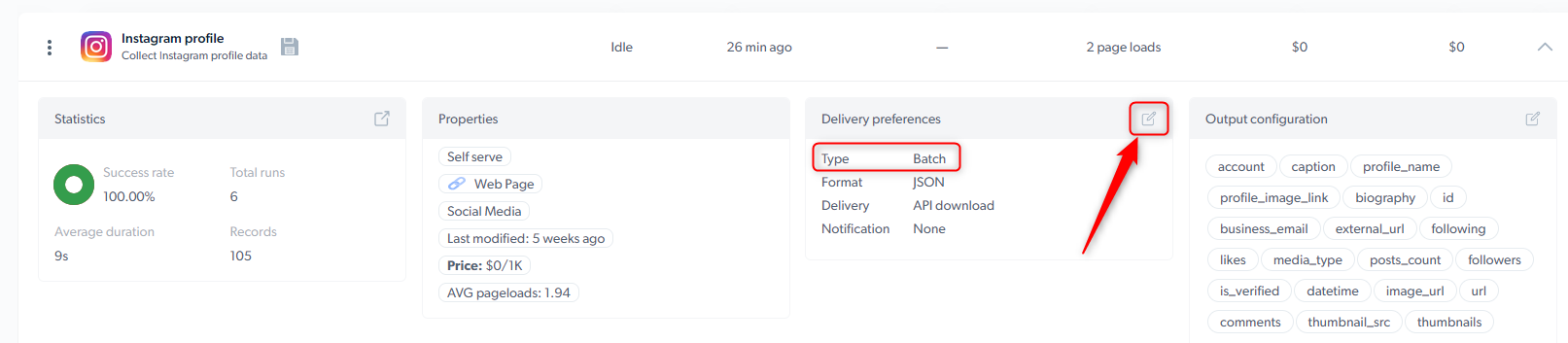
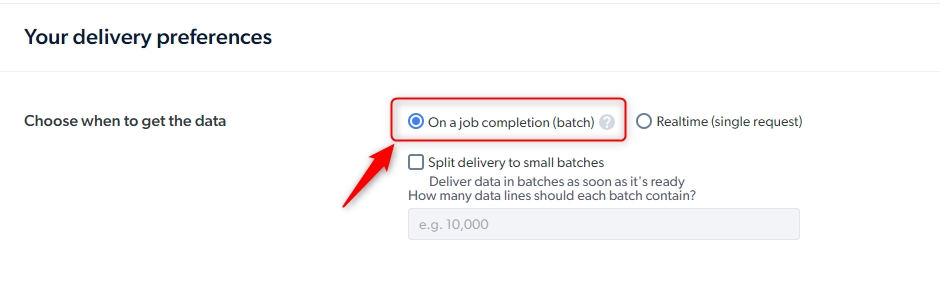
Ensure that your scraper is updated to the latest version to improve success rate Set a delivery type to Batch
Following error message will be returned from Batch API when delivery type is set to Realtime."error": "Cannot trigger a batch job with a real-time scraper. Use /trigger_immediate endpoint instead"
Trigger the scraper using a preferred API
Initiate a Batch job
Initiate a Realtime job
dca/triggerTrigger a scraper for batch collection methodcurl "https://api.brightdata.com/dca/trigger?collector=ID_COLLECTOR&queue_next=1" -H "Content-Type: application/json" -H "Authorization: Bearer API_KEY" -d '[{"url":"https://targetwebsite.com/product_id/"}]'
dca/trigger_immediateTrigger a scraper for real-time collectioncurl "https://api.brightdata.com/dca/trigger_immediate?collector=ID_COLLECTOR" -H "Content-Type: application/json" -H "Authorization: Bearer API_KEY" -d '{"url":"https://targetwebsite.com/product_id/"}'
Batch responses begin with j_**** and real-time responses begin with z****