
跳转到主要内容
反检测浏览器让您可以管理多个具有独特指纹的浏览器配置文件。添加 Bright Data 代理为每个配置文件提供不同的、受信任的 IP 地址。
https://mintcdn.com/brightdata/pq7wn7mJJj8UJsym/images/integrations/gologin1.png?fit=max&auto=format&n=pq7wn7mJJj8UJsym&q=85&s=55c444e98d731a7ae0963f86406d2da7

GoLogin

将 Bright Data 代理分配给 GoLogin 浏览器配置文件。

Multilogin

在 Multilogin 浏览器配置文件中配置 Bright Data 代理。
https://mintcdn.com/brightdata/jeaQWxFKde5jgPN8/images/integrations/adspower1.png?fit=max&auto=format&n=jeaQWxFKde5jgPN8&q=85&s=bd012b7b56effe44847cf6b32cadefda

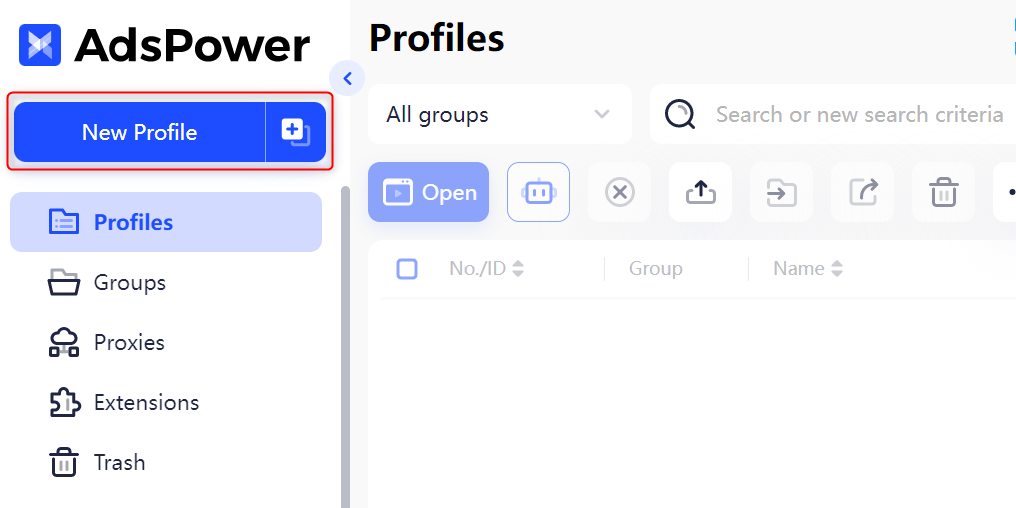
AdsPower

在 AdsPower 中设置 Bright Data 代理以进行多账户管理。

Kameleo

将 Bright Data 代理添加到 Kameleo 浏览器配置文件。

Dolphin Anty

在 Dolphin Anty 配置文件中配置 Bright Data 代理。
https://mintcdn.com/brightdata/pq7wn7mJJj8UJsym/images/integrations/maskfog1.png?fit=max&auto=format&n=pq7wn7mJJj8UJsym&q=85&s=66098359f4a870aa4bbad388c0b0d054

Incogniton

将 Bright Data 代理与 Incogniton 反检测浏览器配合使用。
https://mintcdn.com/brightdata/z2V3XghEDR2bikNt/images/integrations/undetectable1.png?fit=max&auto=format&n=z2V3XghEDR2bikNt&q=85&s=6d1b626060b47e0a5e85fb3d55272cc1

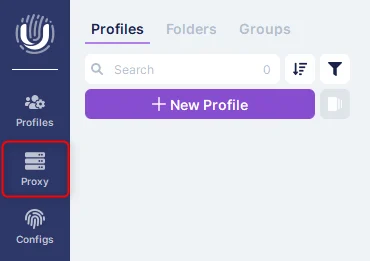
Undetectable

在 Undetectable 浏览器配置文件中设置 Bright Data 代理。
https://mintcdn.com/brightdata/pq7wn7mJJj8UJsym/images/integrations/ghostbrowser1.png?fit=max&auto=format&n=pq7wn7mJJj8UJsym&q=85&s=e0ccf5a905b9a6c4c28c4cb9709aebfb

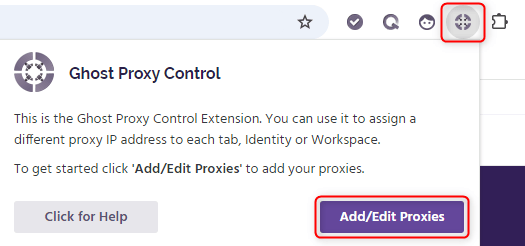
Ghost Browser

将 Bright Data 代理添加到 Ghost Browser 工作区。

Octo Browser

在 Octo Browser 配置文件中配置 Bright Data 代理。
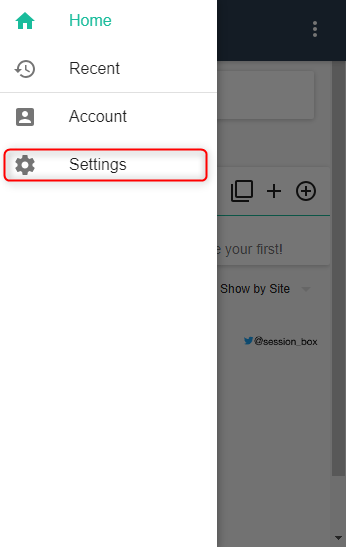
https://mintcdn.com/brightdata/z2V3XghEDR2bikNt/images/integrations/sessionbox1.png?fit=max&auto=format&n=z2V3XghEDR2bikNt&q=85&s=766b1c7d627d5e7c0ac68d98dfe181db

SessionBox

将 Bright Data 代理与 SessionBox 多会话管理配合使用。
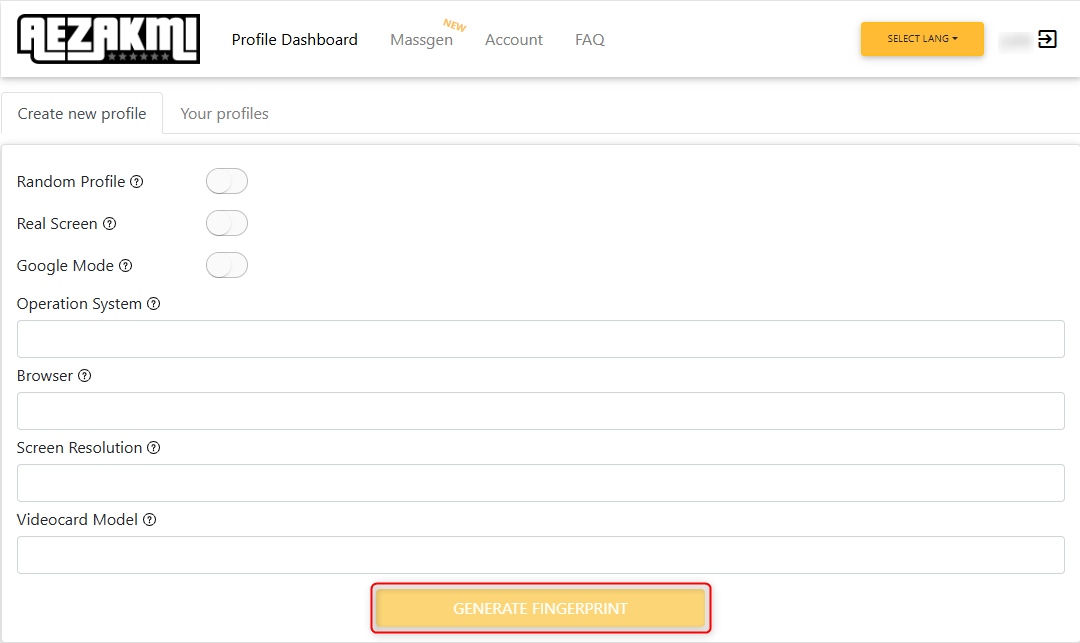
https://mintcdn.com/brightdata/jeaQWxFKde5jgPN8/images/integrations/aezakmi1.png?fit=max&auto=format&n=jeaQWxFKde5jgPN8&q=85&s=0dc409873f10c2c9ceb284a65b887487

Aezakmi

在 Aezakmi 浏览器配置文件中设置 Bright Data 代理。
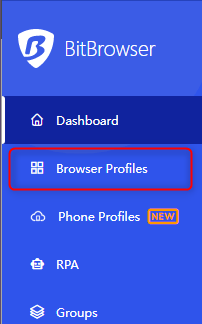
https://mintcdn.com/brightdata/jeaQWxFKde5jgPN8/images/integrations/bitbrowser1.png?fit=max&auto=format&n=jeaQWxFKde5jgPN8&q=85&s=8fb6d555996ba73da9f2a5af9822ae94

BitBrowser

在 BitBrowser 配置文件中配置 Bright Data 代理。
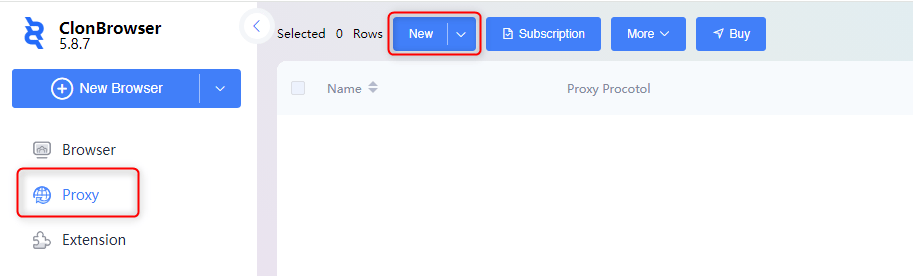
https://mintcdn.com/brightdata/jeaQWxFKde5jgPN8/images/integrations/clonbrowser1.png?fit=max&auto=format&n=jeaQWxFKde5jgPN8&q=85&s=ed40825101578866106191ee5d3dbf9e

ClonBrowser

将 Bright Data 代理添加到 ClonBrowser 会话。

DICloak

将 Bright Data 代理与 DICloak 反检测浏览器配合使用。
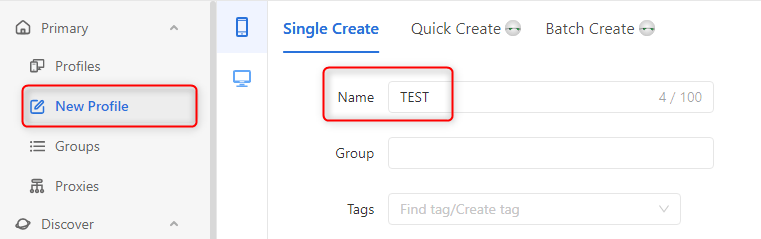
https://mintcdn.com/brightdata/pq7wn7mJJj8UJsym/images/integrations/geelark1.png?fit=max&auto=format&n=pq7wn7mJJj8UJsym&q=85&s=158f9dc832276c407c9b8c1f6687ae45

Geelark

在 Geelark 云手机配置文件中配置 Bright Data 代理。
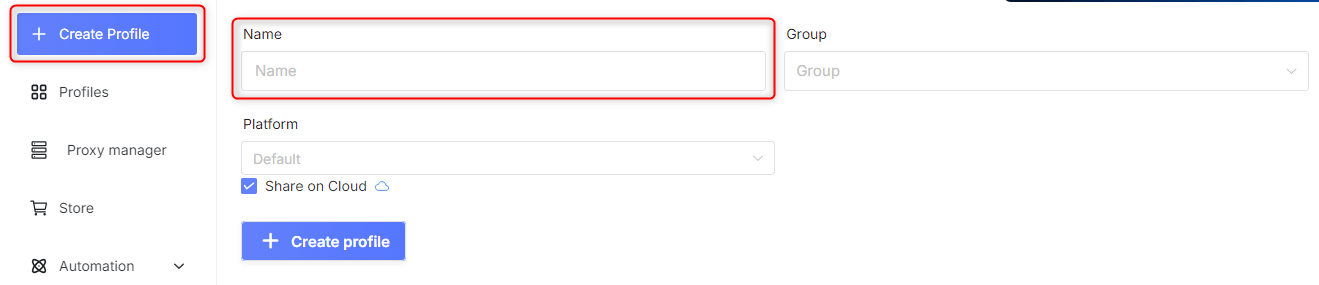
https://mintcdn.com/brightdata/pq7wn7mJJj8UJsym/images/integrations/genlogin1.png?fit=max&auto=format&n=pq7wn7mJJj8UJsym&q=85&s=245fc0ebe89bd6afa5beb7e73c5d98d7

GenLogin

在 GenLogin 浏览器配置文件中设置 Bright Data 代理。
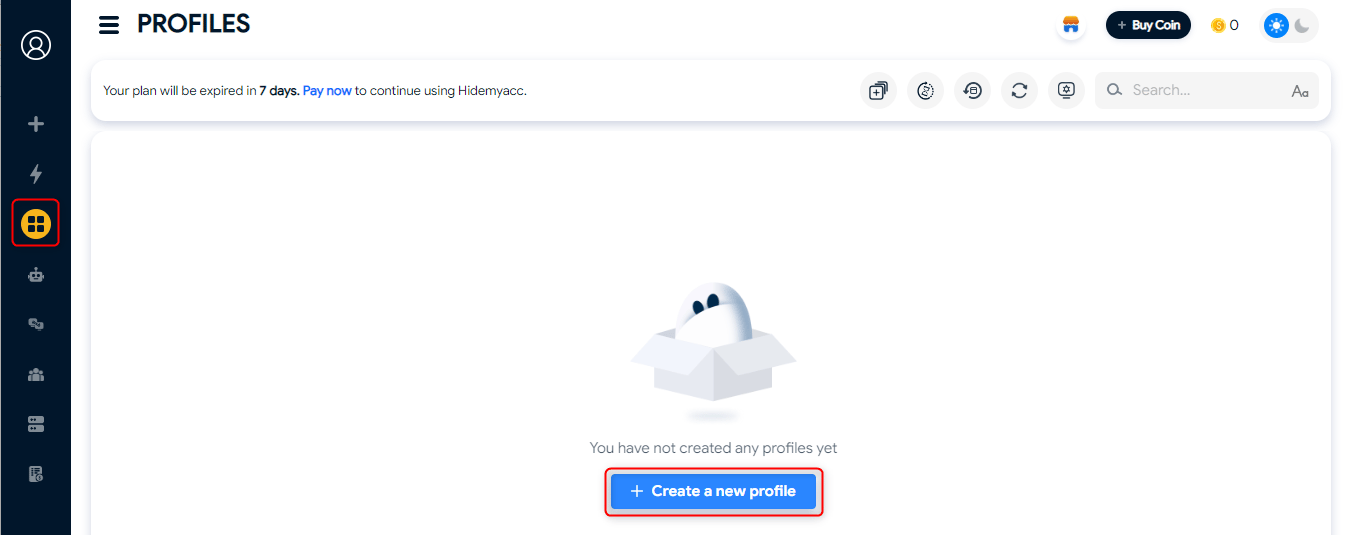
https://mintcdn.com/brightdata/pq7wn7mJJj8UJsym/images/integrations/hidemyacc1.png?fit=max&auto=format&n=pq7wn7mJJj8UJsym&q=85&s=9de473f20401802c05b4b25d896f73e5

HideMyAcc

将 Bright Data 代理添加到 HideMyAcc 浏览器配置文件。

https://mintcdn.com/brightdata/pq7wn7mJJj8UJsym/images/integrations/ixbrowser1.png?fit=max&auto=format&n=pq7wn7mJJj8UJsym&q=85&s=dff907199d2e46177f8ccc24db657ea5

IXBrowser

在 IXBrowser 配置文件中配置 Bright Data 代理。
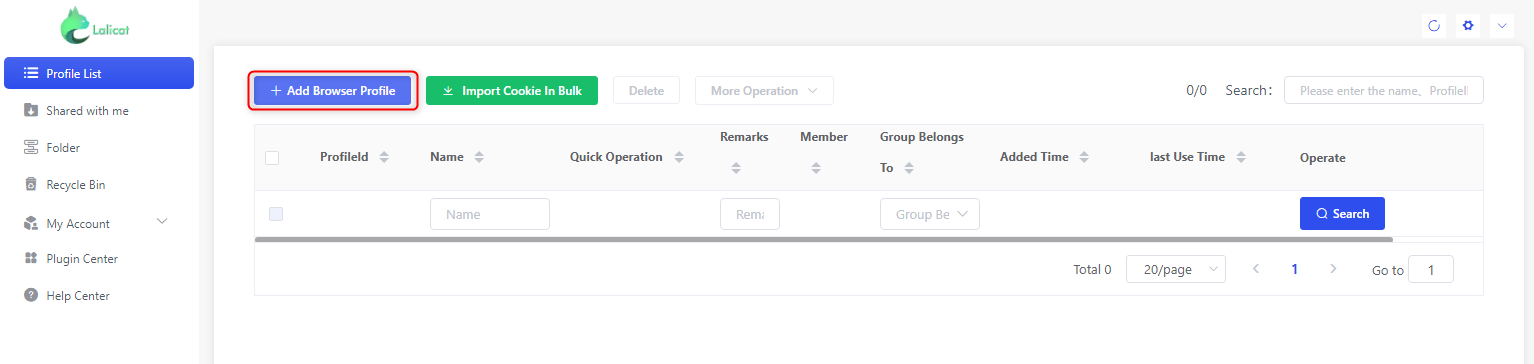
https://mintcdn.com/brightdata/pq7wn7mJJj8UJsym/images/integrations/lalicat1.png?fit=max&auto=format&n=pq7wn7mJJj8UJsym&q=85&s=61fb5af29351a62b2c74a438dd2a0867

Lalicat

将 Bright Data 代理与 Lalicat 反检测浏览器配合使用。
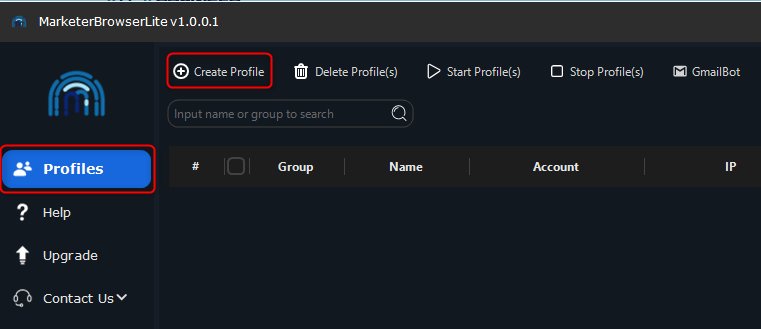
https://mintcdn.com/brightdata/pq7wn7mJJj8UJsym/images/integrations/marketerbrowser1.png?fit=max&auto=format&n=pq7wn7mJJj8UJsym&q=85&s=8252cdbb0021120499c04182a8900be7

MarketerBrowser

将 Bright Data 代理添加到 MarketerBrowser 配置文件。
https://mintcdn.com/brightdata/pq7wn7mJJj8UJsym/images/integrations/maskfog1.png?fit=max&auto=format&n=pq7wn7mJJj8UJsym&q=85&s=66098359f4a870aa4bbad388c0b0d054

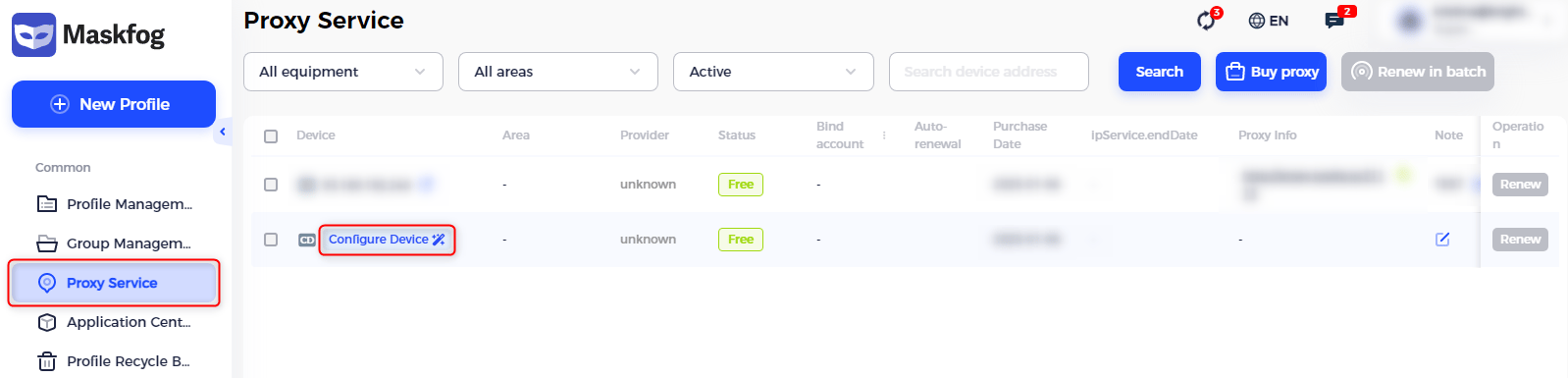
Maskfog

在 Maskfog 浏览器配置文件中配置 Bright Data 代理。
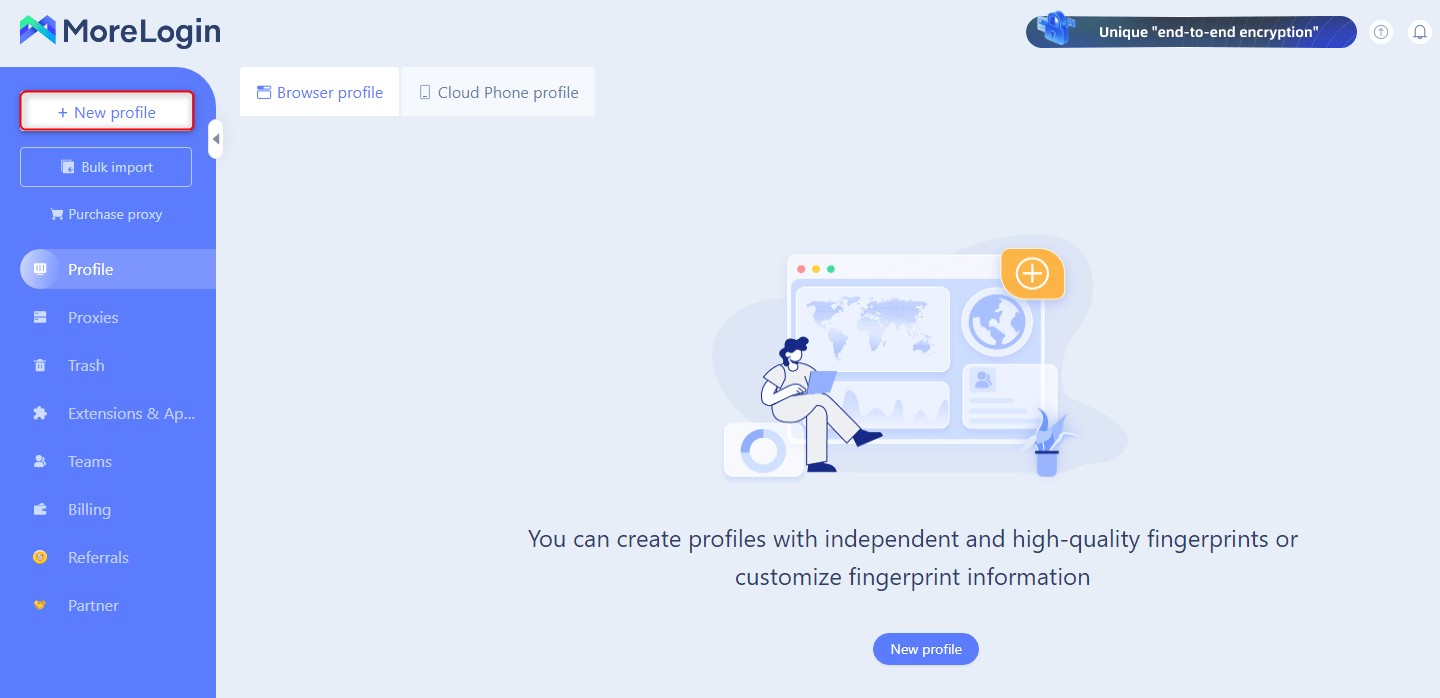
https://mintcdn.com/brightdata/pq7wn7mJJj8UJsym/images/integrations/morelogin1.png?fit=max&auto=format&n=pq7wn7mJJj8UJsym&q=85&s=49efd4ff85818aa0fc7f286f4869ac92

MoreLogin

在 MoreLogin 浏览器配置文件中设置 Bright Data 代理。
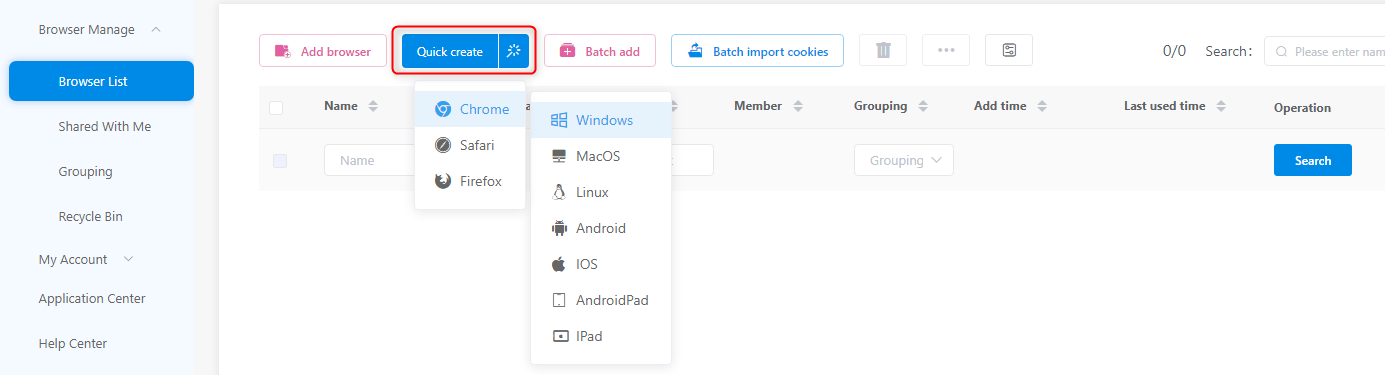
https://mintcdn.com/brightdata/pq7wn7mJJj8UJsym/images/integrations/mulogin1.png?fit=max&auto=format&n=pq7wn7mJJj8UJsym&q=85&s=2d7dbdc8466dbb50ed4ccc114a9cfbc9

MuLogin

将 Bright Data 代理添加到 MuLogin 浏览器配置文件。
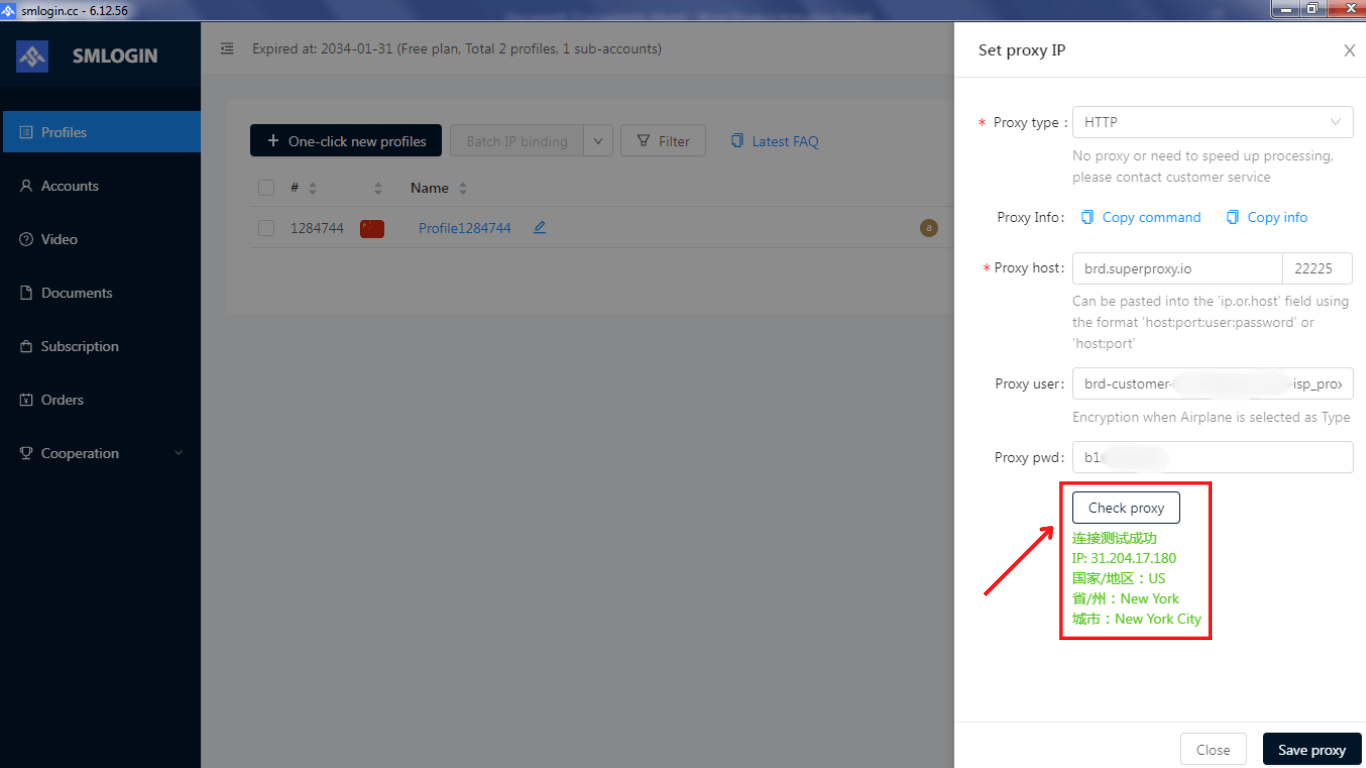
https://mintcdn.com/brightdata/z2V3XghEDR2bikNt/images/integrations/smlogin2.png?fit=max&auto=format&n=z2V3XghEDR2bikNt&q=85&s=3e93ff6aa65b6fe93ec80d7446f3c882

SMLogin

在 SMLogin 浏览器配置文件中配置 Bright Data 代理。

https://mintcdn.com/brightdata/z2V3XghEDR2bikNt/images/integrations/sphere-browser1.png?fit=max&auto=format&n=z2V3XghEDR2bikNt&q=85&s=d385277e6efd50fb662c50a8c45b01de

Sphere Browser

将 Bright Data 代理与 Sphere 反检测浏览器配合使用。
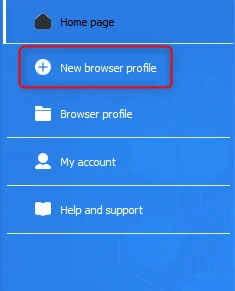
https://mintcdn.com/brightdata/z2V3XghEDR2bikNt/images/integrations/vmlogin1.png?fit=max&auto=format&n=z2V3XghEDR2bikNt&q=85&s=e43349f255b24958eafc4a6433ed1284

VMLogin

将 Bright Data 代理添加到 VMLogin 浏览器配置文件。
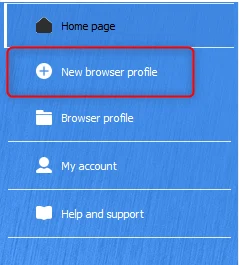
https://mintcdn.com/brightdata/z2V3XghEDR2bikNt/images/integrations/xlogin1.png?fit=max&auto=format&n=z2V3XghEDR2bikNt&q=85&s=e780377078d05097c518c0ba646becc3

XLogin

在 XLogin 浏览器配置文件中配置 Bright Data 代理。

https://mintcdn.com/brightdata/jeaQWxFKde5jgPN8/images/integrations/antik1.png?fit=max&auto=format&n=jeaQWxFKde5jgPN8&q=85&s=07de9399ef81d37c5f6211d3ca9a8e18

Antik

在 Antik 浏览器配置文件中设置 Bright Data 代理。

Insomniac

在 Insomniac 浏览器中配置 Bright Data 代理。
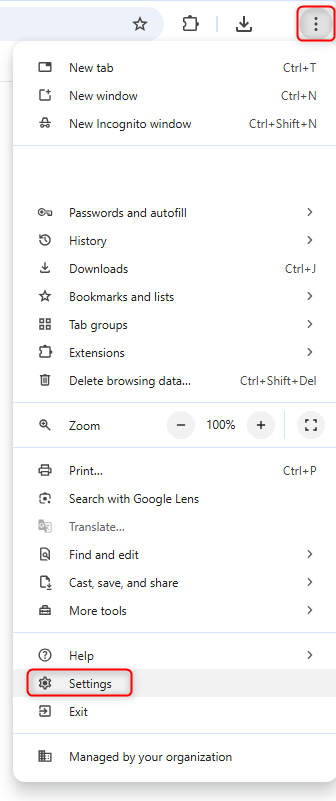
https://mintcdn.com/brightdata/jeaQWxFKde5jgPN8/images/integrations/chrome1.png?fit=max&auto=format&n=jeaQWxFKde5jgPN8&q=85&s=8b62de64984b10e89b0a8121e96680f7

Chrome

直接在 Google Chrome 中配置 Bright Data 代理。
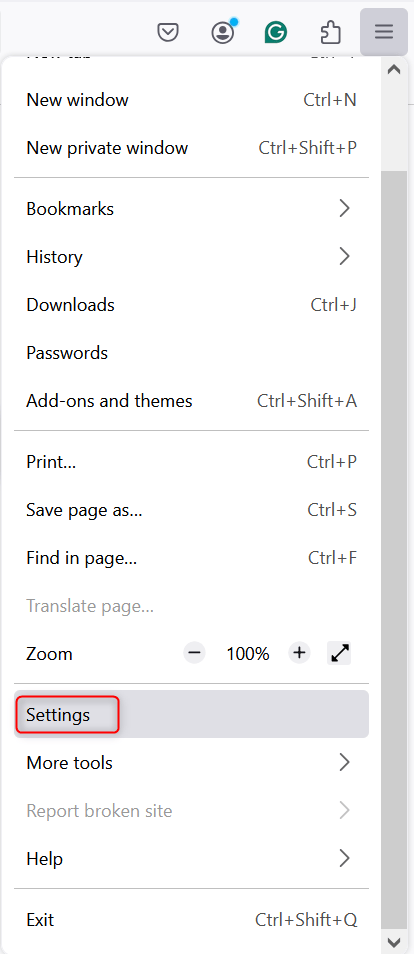
https://mintcdn.com/brightdata/pq7wn7mJJj8UJsym/images/integrations/firefox1.png?fit=max&auto=format&n=pq7wn7mJJj8UJsym&q=85&s=32492262d4b037fd13e11c83c73bbf0f

Firefox

在 Mozilla Firefox 中设置 Bright Data 代理。