跳转到主要内容
xpander.ai 是一个用于构建自主 AI 代理(AI Agents)的后端即服务(Backend-as-a-Service)平台。它是一个无代码解决方案,可帮助企业开发者高效地构建、测试和部署 AI 代理,并提供开源 SDK 以通过代码构建和运行 AI 代理。

可用的 Bright Data 工具

按 Dataset ID 启动数据采集任务

使用 Web Scraper API 启动指定数据集的数据采集任务。

按 URL 执行代理请求

通过 Bright Data 的代理网络发送 HTTP 请求以访问任意网页内容。

按 ID 下载数据集快照

以多种格式下载数据集快照,并将数据传递给 AI。

如何将 Bright Data 集成到 xpander.ai 中

1

创建新代理

  1. 在你的 profile dashboard 中点击 “New Agent” 按钮:
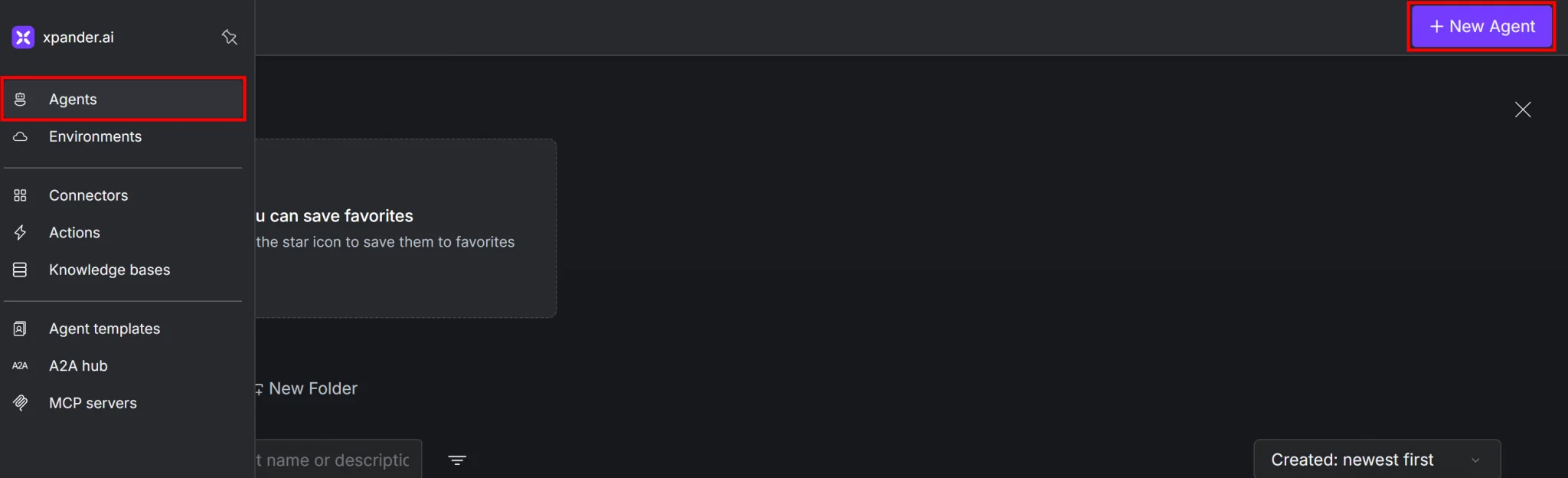
Clicking the “Agents > New Agent” button
2

基础配置

  1. 为你的代理选择一个合适的名称。例如,如果你想创建一个网页抓取代理,可以命名为 “Web Scraper Agent”。
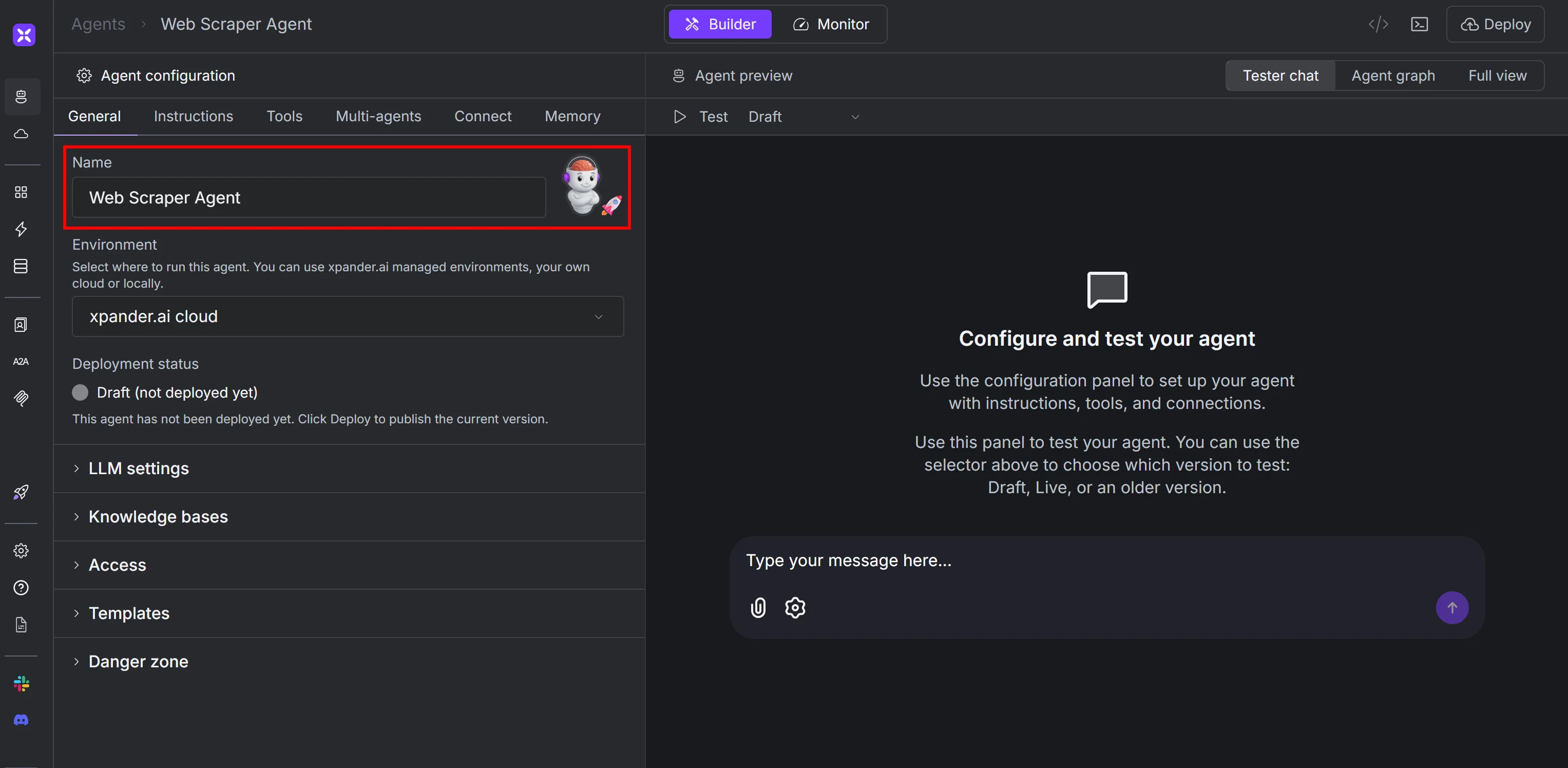
Calling the new agent “Web Scraper Agent”
  1. “General” 选项卡中的其他设置保持默认即可。默认情况下,xpander.ai 会使用 OpenAI 的 GPT-4o 作为语言模型。
3

添加 Bright Data 集成工具

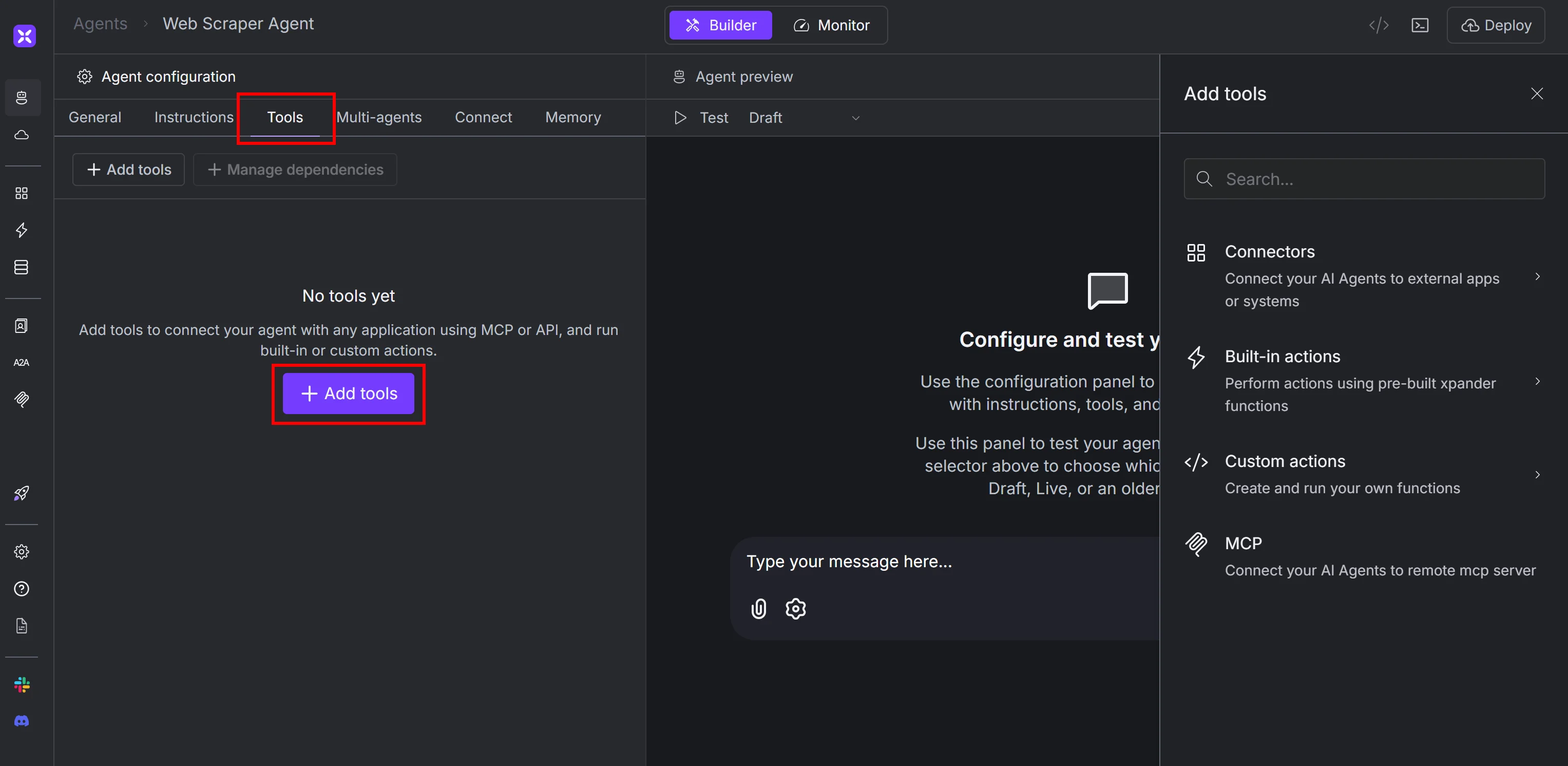
  1. 进入代理的 “Tools” 选项卡,然后点击 “Add tools”:
Clicking the “Add tools” button
  1. 在右侧面板搜索 “bright data”,然后选择 Bright Data 集成:
Selecting the Bright Data connector
4

配置 Bright Data Connector

将会出现以下弹窗:
Filling out the Bright Data connector configuration form
按如下方式填写:
配置选项
Connector 名称Bright Data Connector(或任意名称)
Authentication modeAPI Key
Authentication scopeIntegration user
API Key[Your Bright Data API key]
Authentication typeBearer
填写完毕后点击 “Save”。
5

选择 Bright Data 工具

系统会提示你选择要启用的 Bright Data 工具:
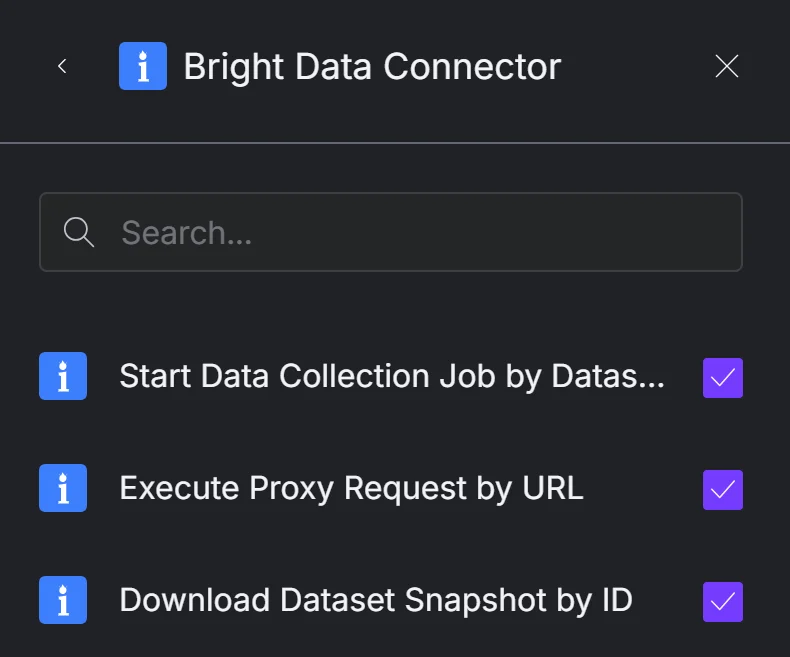
Selecting the Bright Data tools to enable
我们建议选择所有工具,以获得完整的网页抓取能力。目前可用的工具包括:
  • Start Data Collection Job by Dataset ID:使用 Web Scraper APIs 启动指定数据集的采集任务。
  • Execute Proxy Request by URL:通过 Bright Data 的代理网络 发送 HTTP 请求。
  • Download Dataset Snapshot by ID:以多种格式下载数据集快照并将数据传递给 AI。
6

将工具添加到你的代理

选择好后点击右下角的 “Add to agent”:

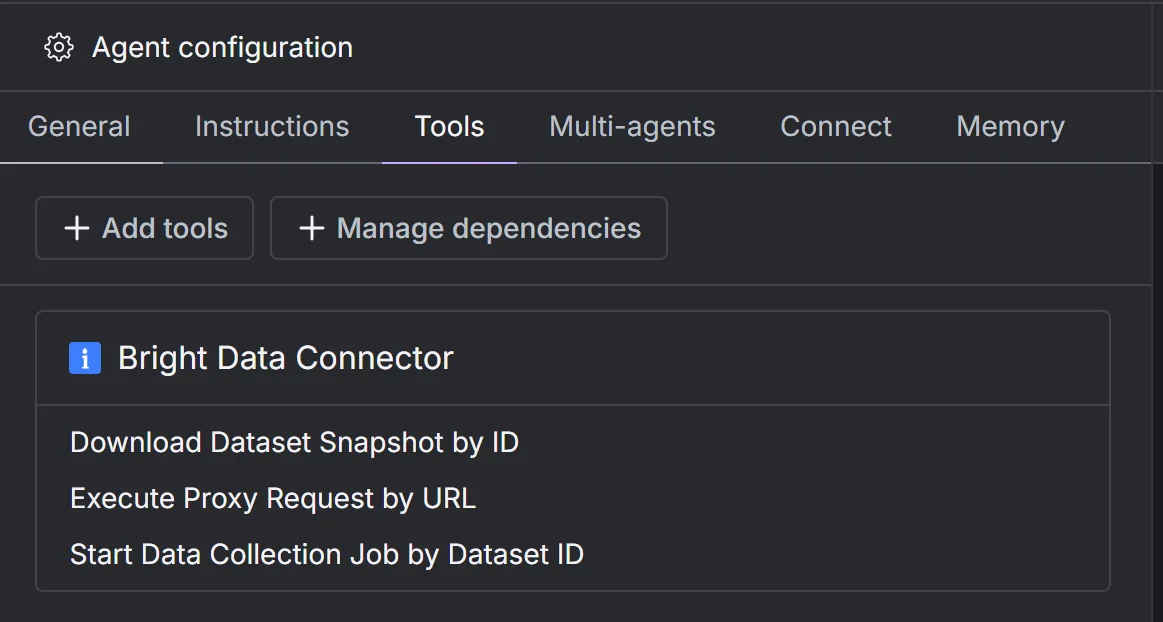
Clicking the “Add to agent” button
现在 “Tools” 页面会显示已配置的 Bright Data 工具:
Note the configured Bright Data tools
你可以点击任何工具查看或调整配置。太棒了!你的 AI 代理已经成功集成 Bright Data 并可开始网页抓取。
7

让你的代理更专业

为了让代理更智能,你可以添加自定义 system prompt点击 “Instructions”,在 “System prompt” 文本框中粘贴类似内容:
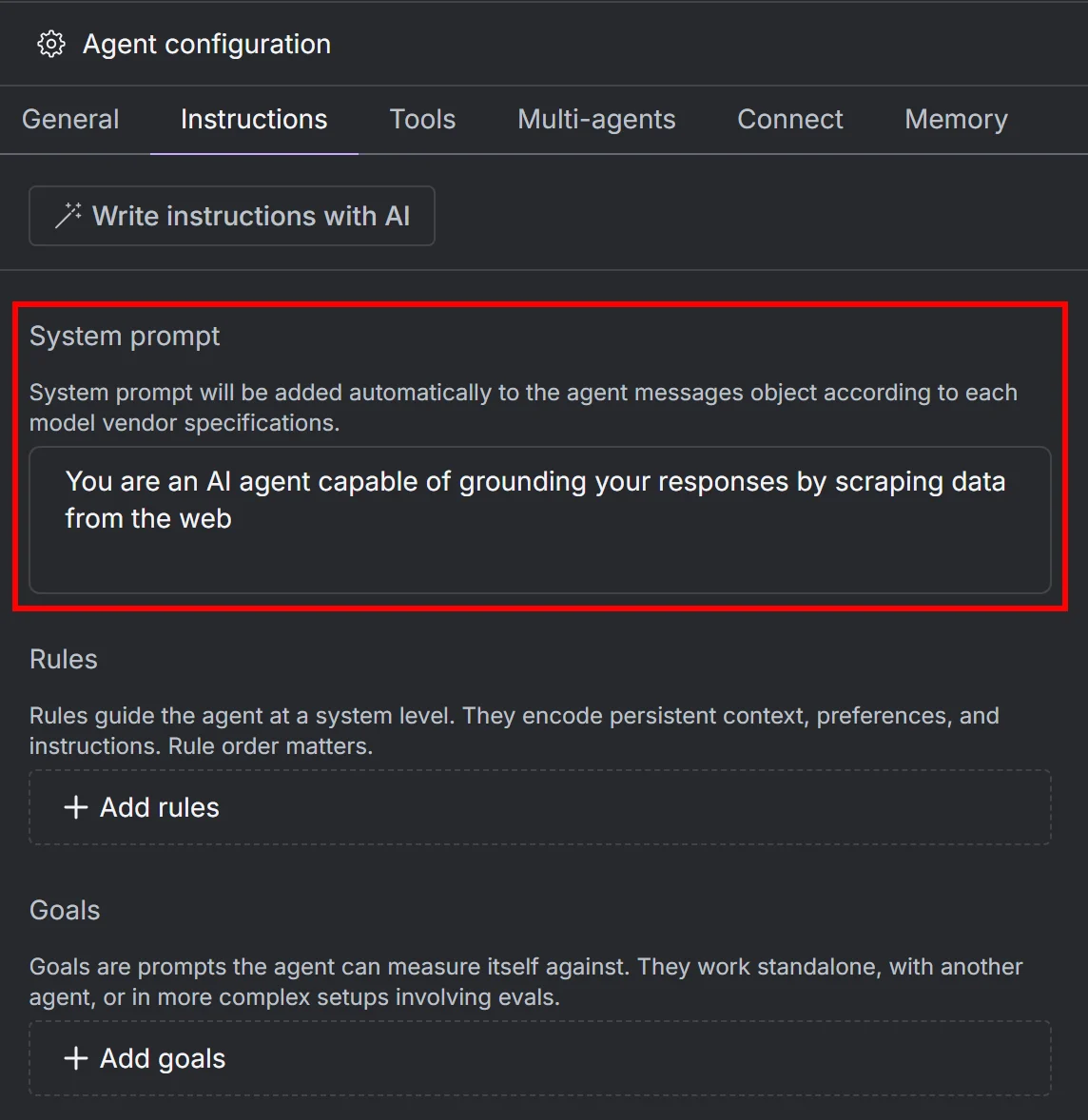
You are an AI agent capable of grounding your responses by scraping data from the web
Adding a system prompt to your agent
你还可以添加自定义规则和目标,让代理更专业。很好!你的 xpander 网页抓取代理已准备完毕。
8

查看代理工作流图

点击 “Agent graph” 按钮查看你的代理工作流:
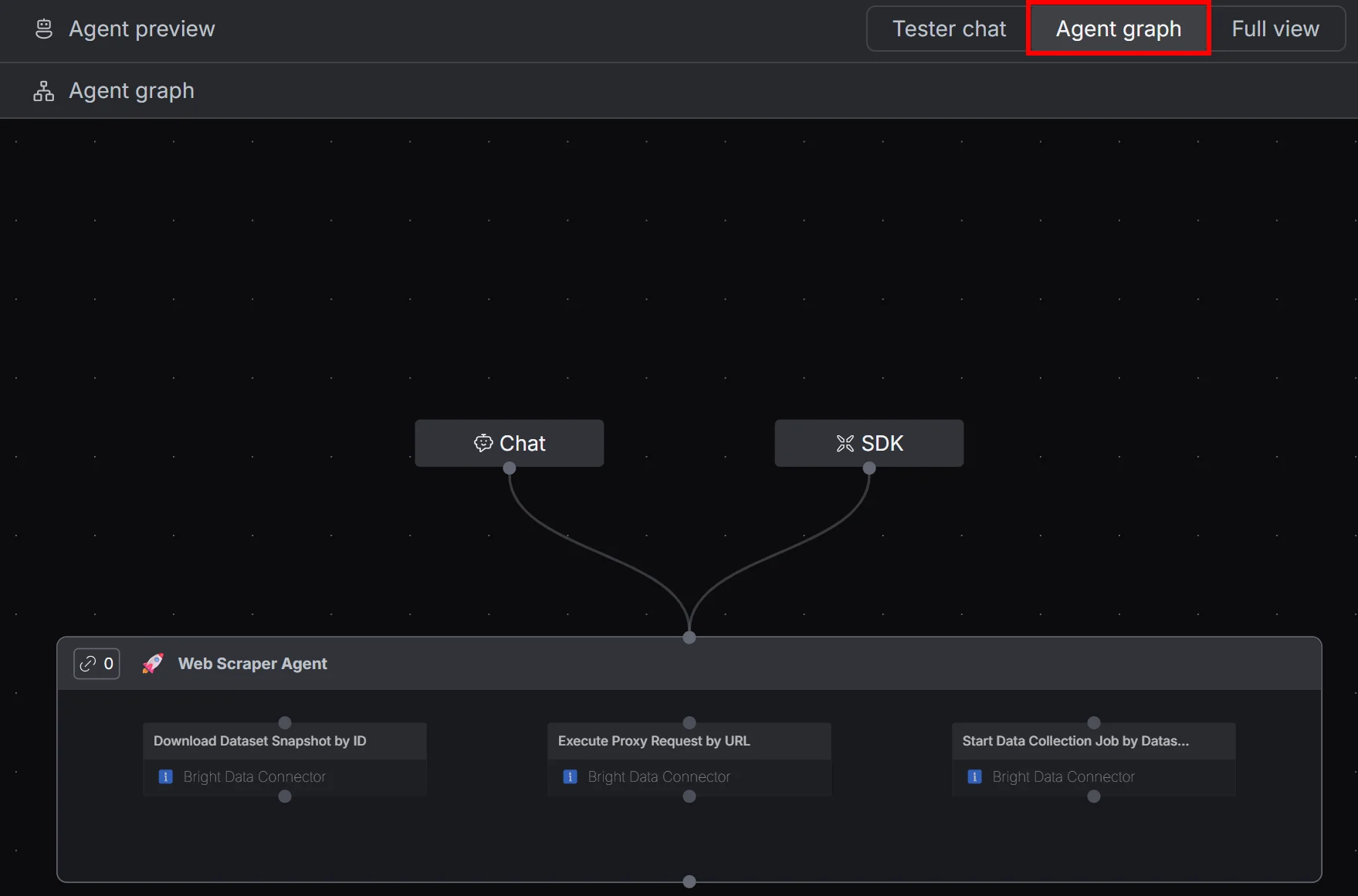
The agent graph
你会看到一个代理节点,拥有三个已配置的 Bright Data 工具。做得很好!接下来你可以测试它的能力。
9

向代理发送提示词

返回 “Tester Chat” 选项卡,尝试使用以下提示:
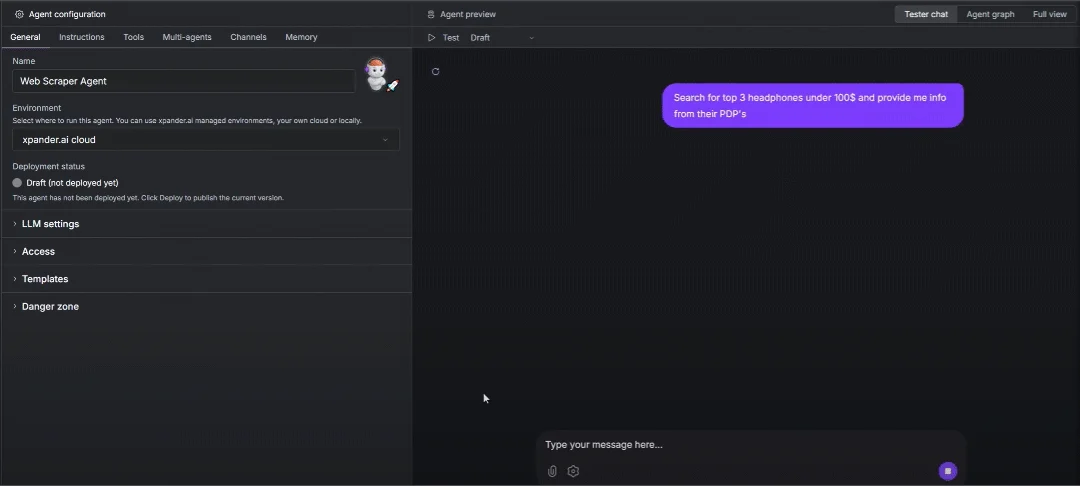
Search for top 3 headphones under \$100 and provide me info from their PDP's
这会让代理在线查找 $100 以下最好的 3 款耳机,并抓取它们的 产品详情页(PDPs)在输入框中发送提示:
The AI scraping agent in action
10

分析代理响应

代理会使用 LLM 与 Bright Data 工具来:
  1. 搜索并找到符合条件的 3 个耳机产品
  2. 为每个商品启动采集任务并抓取 Amazon 数据
  3. 将信息总结为简短准确的回复,并附上 Amazon PDP 链接
11

检查工具调用

展开工具调用可以看到如下内容:
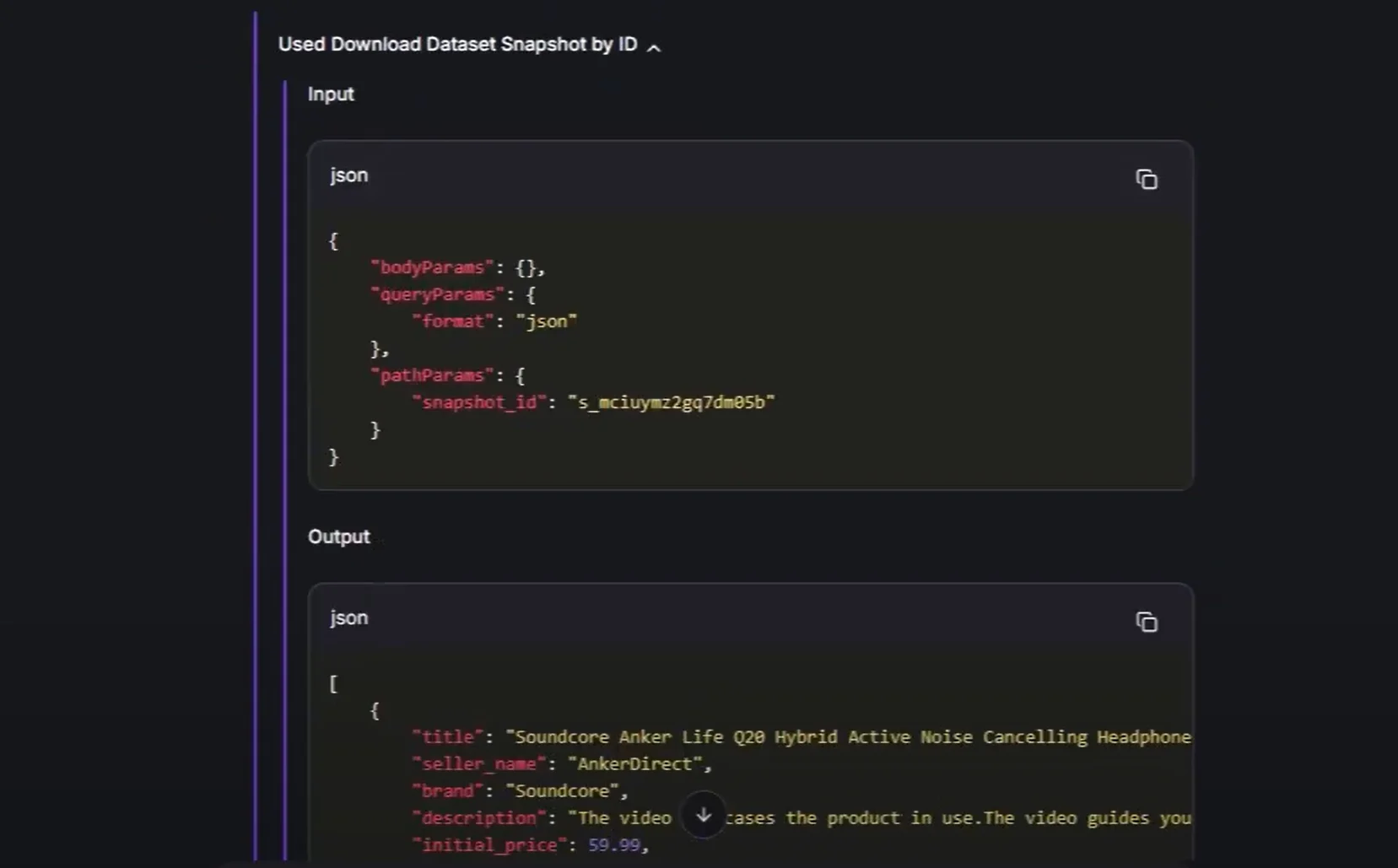
The I/O details from a tool call
这证明代理会自动选择并调用正确的 Bright Data 工具,并传入正确的参数以实时抓取数据(本例中为 Amazon 产品页)。
就这样!你已经在 xpander.ai 上获得一个由 Bright Data 数据基础设施驱动的完整网页抓取代理!