Building an AI startup?
You might be eligible for our Startup Program. Get fully funded access to the infrastructure you’re reading about right now (up to $20K value).
- Bright Data account
- OpenAI account
1
Add a new source
Go to ChatGPT and click the ”+” button to add a new source.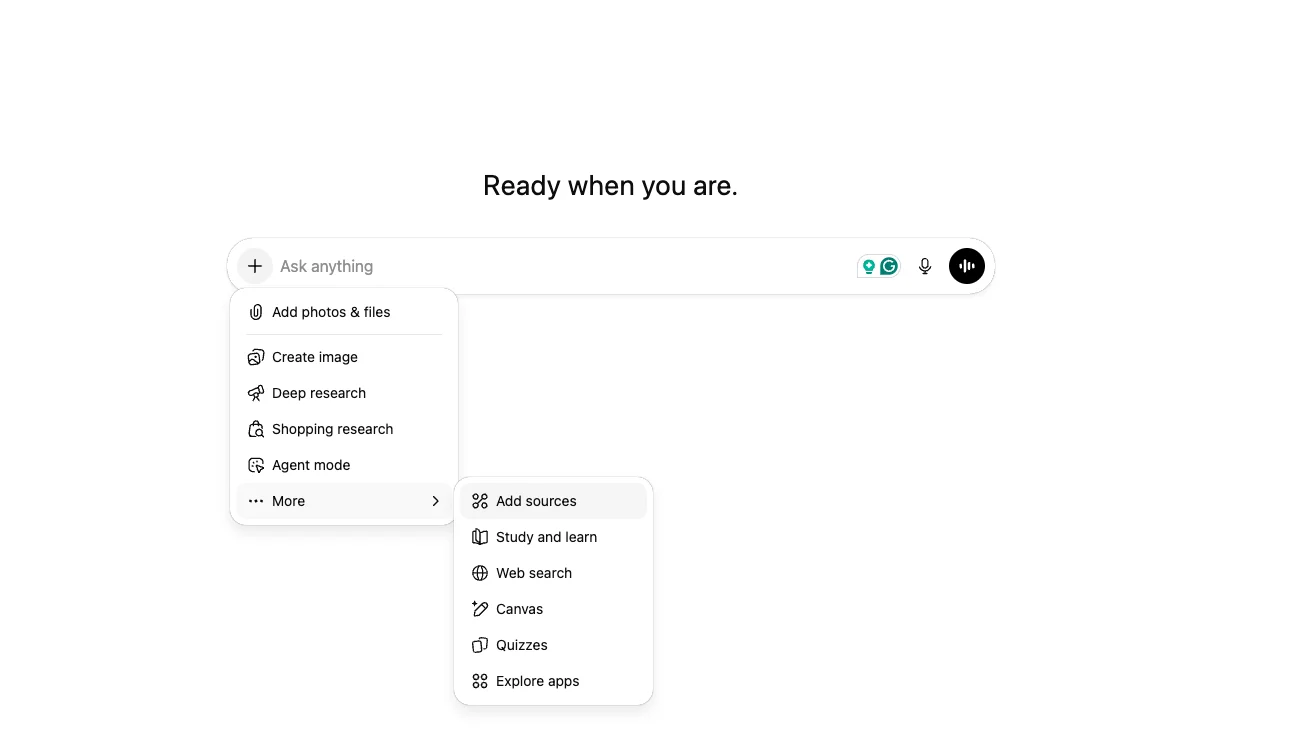
2
Connect more
Click the “Add” button, then select “Connect more”.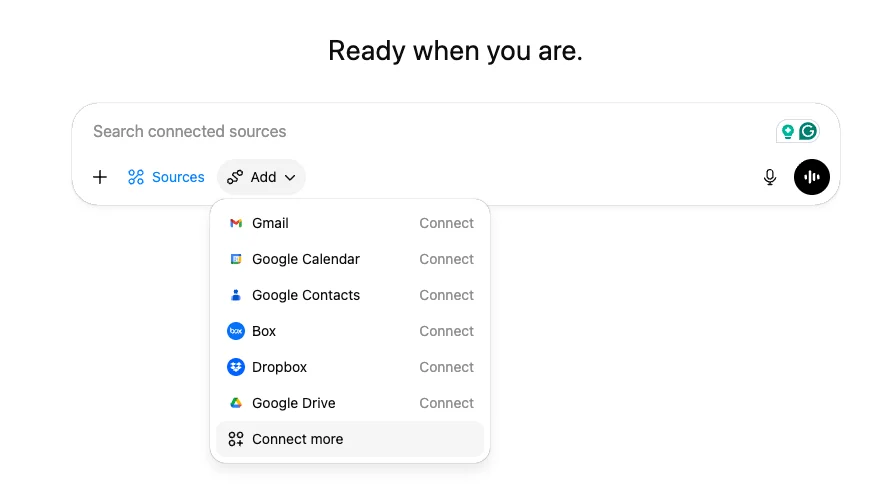
3
Advanced settings
Click on “Advanced settings”, enable Developer Mode, then click “Create app”.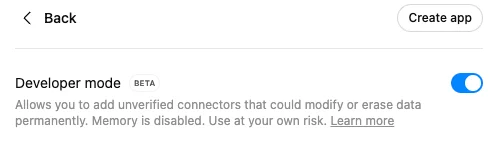
4
Connect Bright Data MCP
Click “Create app” and fill in the following details: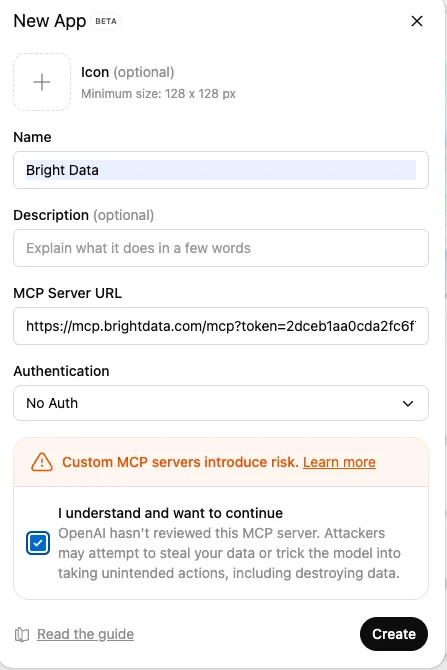
- App name
- MCP Server URL:
- Authentication: no authentication
5
Unlock the web
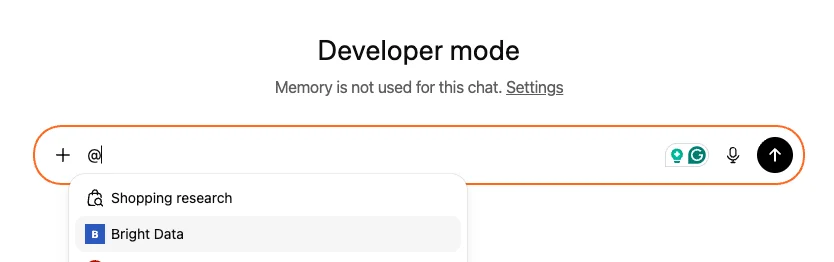
Tag Bright Data MCP and chat with the open web without getting blocked!